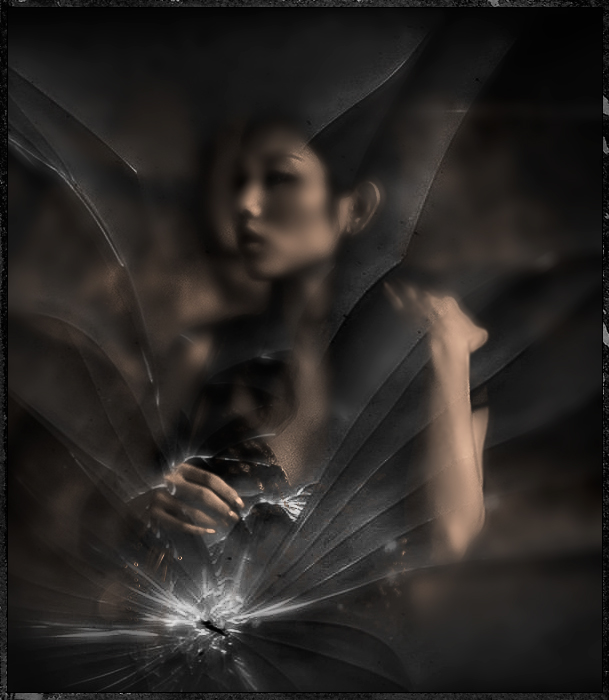
this is amazing .. the use of the texture and the portrait of the girl .. it just jumped right out at me as i was looking at the thumbs on your profile page .. the tones, the crop, the placement of the girl in relation to the broken glass .. her expression .. everything about this is absolutely perfect .. a work of art .. :)
Okay, now how'd you do it? How do you only blend if gray?
Blending options is located in the layer style window in photoshop. It gives you the option to blend if gray, red, green, blue depending on the color space you're using. It looks siimilar to the gradient tool in that it shows a gradient color going from dark to light with two markers on each end. If you hold down the alt key and click near one of the markers you'll get another marker added which allows you to adjust the blending little by little in real time. It's pretty handy to use with the cloud and differential cloud filters to produce effects such as fog or anything else you want to seep through from underneath the layer you are working on. I used it on the bike photo over at ppchallenge.com
I also slapped on a mask to the layer and erased some more with a low opacity brush to fine tune the blending.




 Add photograph to your favorites
 Add photographer to your favorites

 Photographer found comment helpful.


