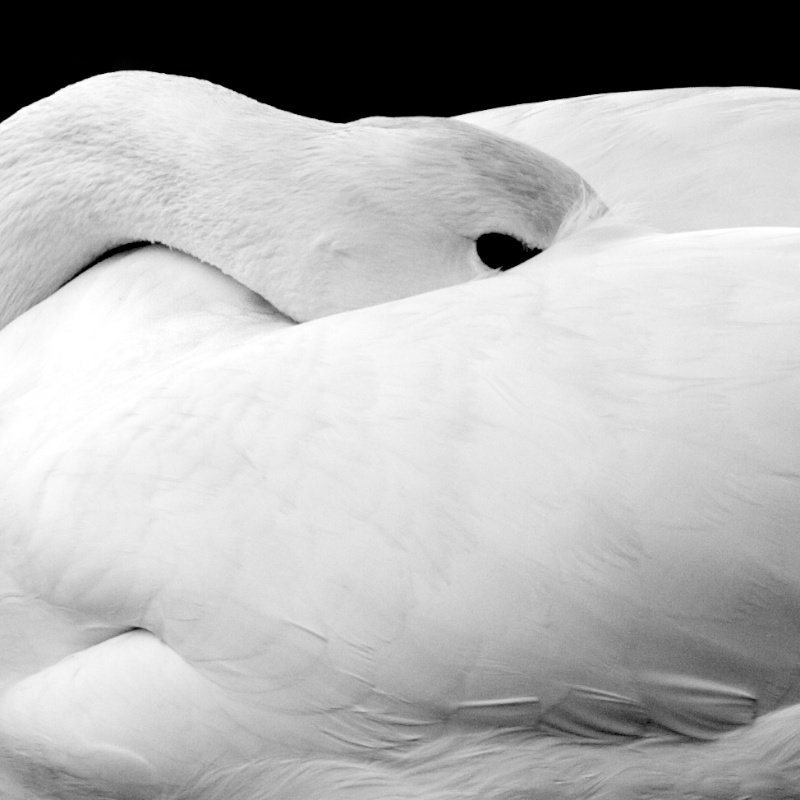
Editing steps:
In Aperture
1) Raw fine tuning - Sharpening to 1
2) black and white high contrast preset
3) Set black point to 49.79
4) set brightness to .5
5) exported to CS4
in CS4
1) Duplicate layer
2) Healing brush to remove blemishes in feathers
3) Duplicate layer
4) Changed layer exposure to -2
5) Erased exposure layer from the goose
6) Set blending mode to overlay
7) Duplicated exposure layer
8) Saved back into Aperture
In Aperture
1) Crop
2) Export
I am hoping for 6+ on this one.
Statistics
Place: 123 out of 405 Avg (all users): 5.5355 Avg (commenters): 7.0000 Avg (participants): 5.5714 Avg (non-participants): 5.4824 Views since voting: 1263 Views during voting: 308 Votes: 211 Comments: 6 Favorites: 0





 Add photograph to your favorites
 Add photographer to your favorites


 Photographer found comment helpful.


