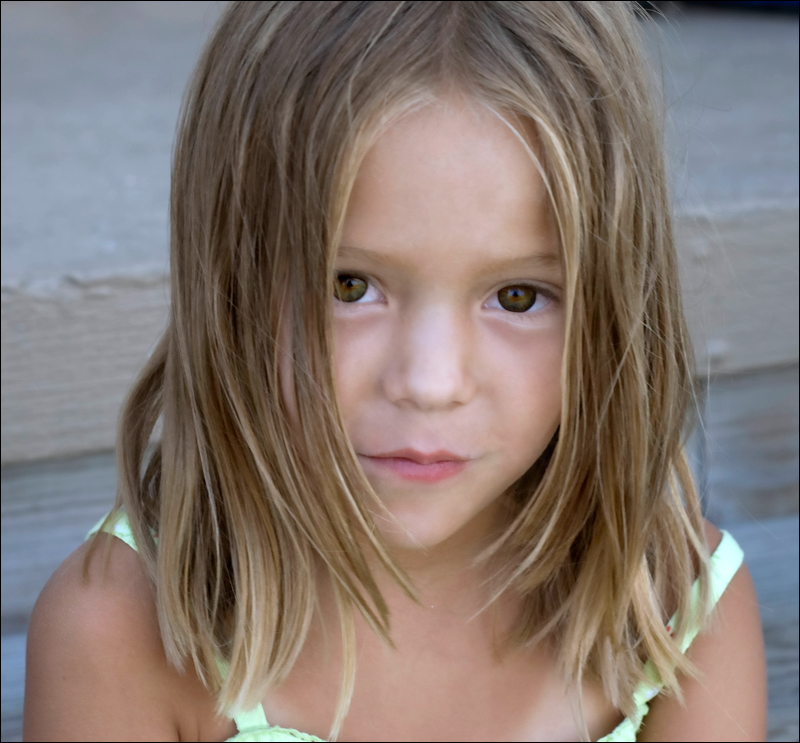
levels, curves, crop, use healing brush tool and clone tool to edit out stray hair. Select eyes and use selective color to add black to black and add black to neutrals. Sharpen eyes and add saturation. Duplicate layer and apply Topaz Clean and adjust the opacity of the layer. Flatten layer and duplicate again. Apply Topaz Details and adjust opacity. Apply USM. Select eyes and sharpen some more. Selective color to add more black to her eyes.






 Add photograph to your favorites
 Add photographer to your favorites