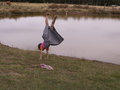
Original
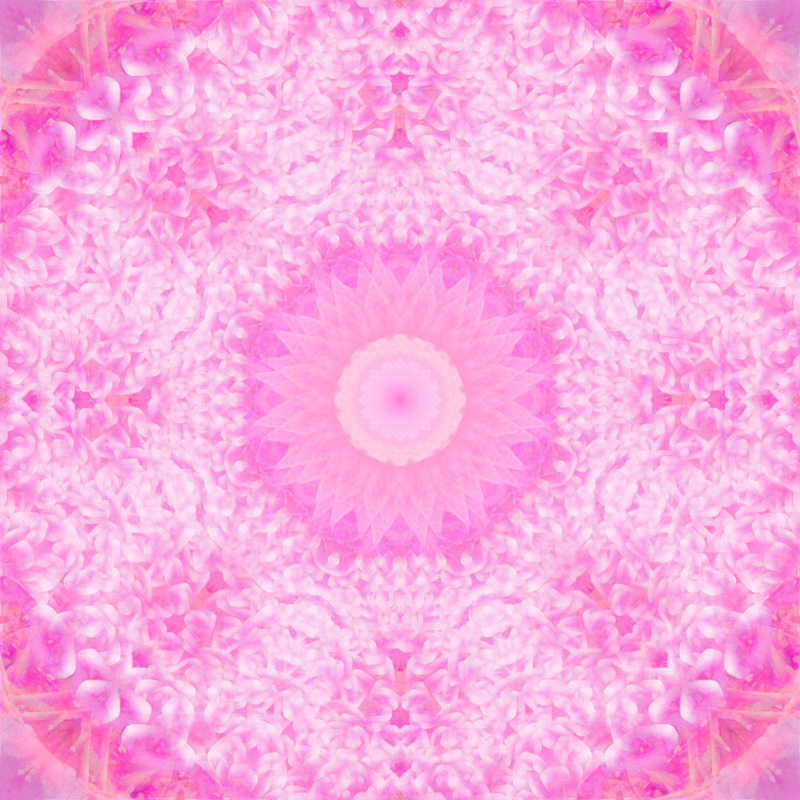
Ridiculous number of steps.
After doing the usual flip/blend/rotate, all with lighten or darken blend mode, I doubled the height and width of the canvas and copied in so there were four images, then I did rotations and kept scaling them to fit the oblong shape and this gave multiple edges to everything and a nice centre, but it was all out of whack, so I did another horizontal and another vertical flip and it was back to symmetry but had an ugly ragged and dark hole in the middle. So I went back to the original, cropped it square, did the flip, blend, rotate until I had a nice symmetrical centre piece which I copied and pasted a couple of times in different scales. I also copied and pasted some segment into the corners, flipping to suit, because they were dark and distracting too.
Then I decided I didn't like the oblong shape so I unchecked maintain proportions when I resized it and then did another couple of rotations.






 Add photograph to your favorites
 Add photographer to your favorites


 Photographer found comment helpful.