I totally swiped this idea from an image I saw here. The grungy line border brush came from here.
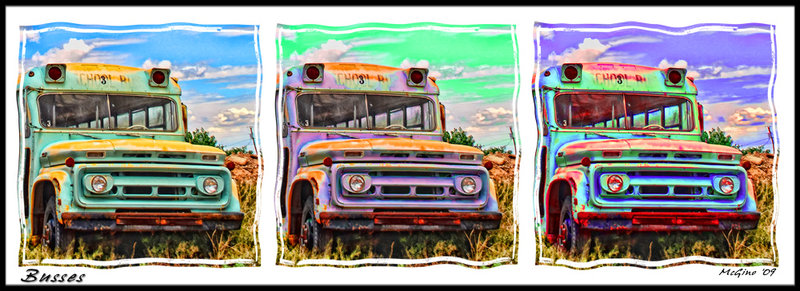
Before using TA I did apply the tonal contrast filter from Color Efex Pro. Then I applied TA photo pop, denoise, then photo pop again. I enlarged the canvas and copied the bus two more times, adjusting the color in each one using the selective color tool. I kept the orignal grass in each image. Used the grunge brush to make the border and copied it to each bus. Used the liquify tool to distort the edges of each bus image. Added a Hue/Saturation layer over everything to increase the saturation. Voila, pop art.
You can see more detail in the slightly larger version.




 Add photograph to your favorites
 Add photographer to your favorites

 Photographer found comment helpful.


