|
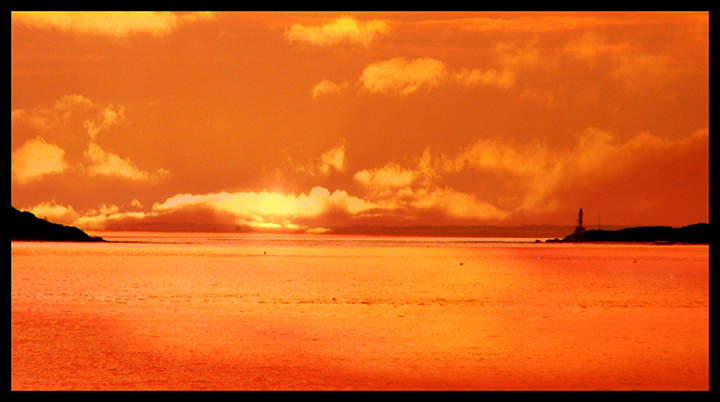
LOL! It's definitely a whole lot more vibrant than "dull grey sea"! Feels like the horizon is ever so slightly off. Are you using Photoshop? In the tools, right click on the eyedropper tool, and one of the other choices is a ruler thingie. Click on that. Then click on the left side of your horizon and drag over to the right side of your horizon. It'll draw a line. Then go to "rotate" (I think it's under "Image") and chose "arbitrary" - it'll rotate it so that the line you drew is perfectly horizontal. Handy little tool sometimes! |





 Add photograph to your favorites
 Add photographer to your favorites

 Photographer found comment helpful.


