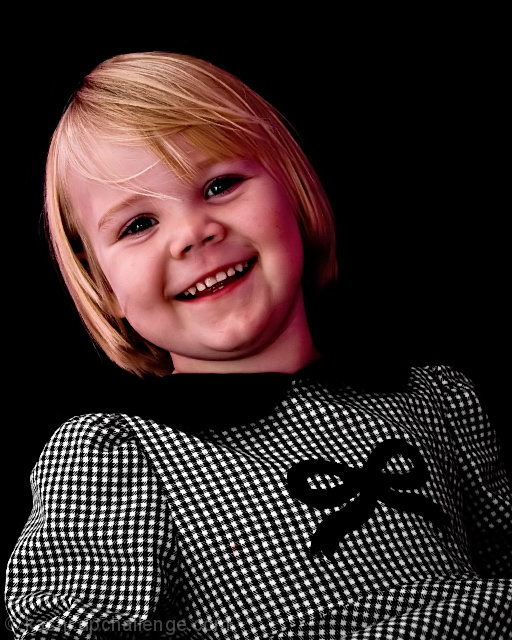
If you have the software, Adobe Camera Raw could help get the color cast out. See the HSL/Grayscale tab, and try Saturation and Luminance adjustments. Or in Photoshop, try Selective Color.
A very pleasent photo of a little girl. Unfortunately with the way she is leaning backwards and with the lack of more fill it causes her eyes and mouth to be very dark, and also a very strong shadow below her chin. The outfit blends into the background so a backlight would have also helped this.
You have a great little model here so you will lots more chances to improve. Good luck.




 Add photograph to your favorites
 Add photographer to your favorites


 Photographer found comment helpful.


