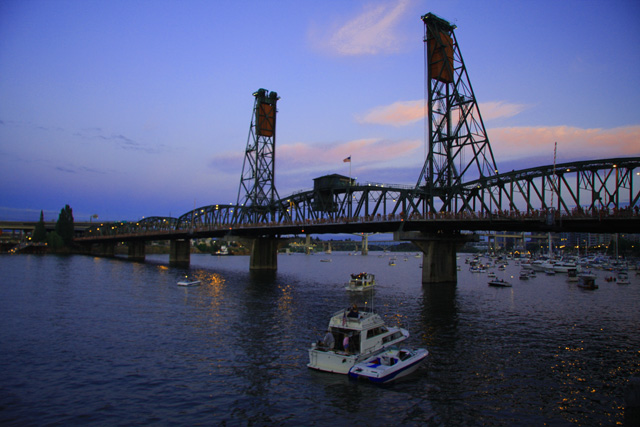
First off good composition. The horizon still appears level even though the bridges perspective makes it appear off which is a plus! Good job!
One thing that could have helped this would have been a little sharpness. At this size I can't tell if its camera shake or slightly out of focus but in either case on almost any image use filter>sharpen>unsharp mask and set the settings at about amount 50% to 80% and you radius about 1.5.
After you resize the image (right before save for web)run another Unsharp mask over it again but lower the radius down to .7 or so.
Another thing that you may have noticed is the color is very uniform and seems dull. to improve your color and give your image some wow factor try going into image>adjustments>selective color In there you can use the drop down menu to select a color range and adjust that color ranges tone. This can help fine tune an image and restore the color to how you saw it or intensify an image. It is legal in basic editing so don't let the word "selective" color scare you off. It effects the whole image and therefor makes it legal.
Hope this helps and happy shooting! |





 Add photograph to your favorites
 Add photographer to your favorites


 Photographer found comment helpful.