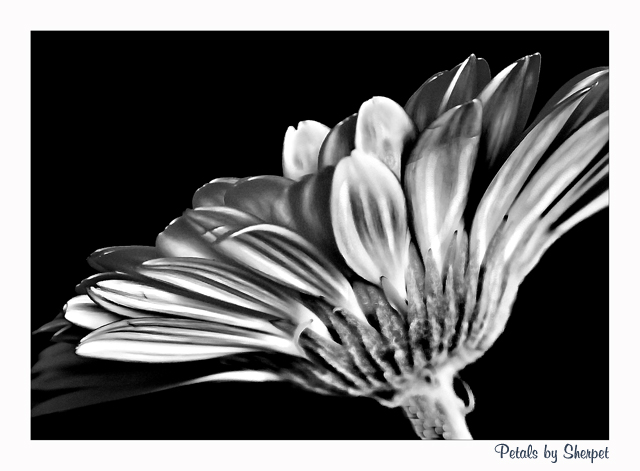
Another close up of one of my favorite flowers to photograph is definately the Gerbera.
Photoshop -
Shadow & Highlights
Reduce Noise
Sharpen
Unsharp Mask
I now add color re hue & saturation,
and if necessary, do a little burning.
I also do any cloning at this stage, re marks spots or blemishes.
At this stage I brighten by 5%
Add thin border and re-size and save this color version for web
I now convert the color version to Black and White.
75 to 80 % of all my Black & White is done re "Gradient Map".
The other 10 to 15 % would be done re Greyscale.
Go to Image - Adjustments - Gradient Map, and then choose Black and White.
I now touch up with some more burning & dodgeing if necessary.
I then save this Gradient Map, black & white version for web.
I sometimes then convert to Greyscale, and then Duotone to get sepia or bluetone.
I knew I was going to love this right from the thumbnail - and not just because I love gerberas! Wonderful tones, glowy petals, very sharp yet there is a softness to them... Totally envious of the PP you did to this shot. Thanks for posting the steps - I will definitely try them.





 Add photograph to your favorites
 Add photographer to your favorites

 Photographer found comment helpful.


