What do you know another wide angler, :P.
I realize I am not showing anyone my town, I'll get to it...
Day fouR
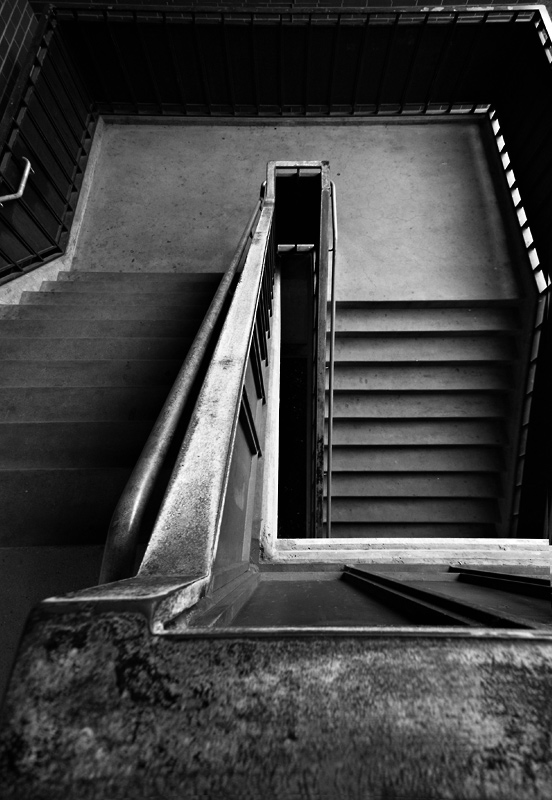
So here is how I generally convert to black and white. I convert using a layer adjustment gradient map. I click on the bar that goes from one color to the next, this brings up another llittle screen with options. at the top select the black and white one. On occasion I will play with the smoothness. then click ok. Then I go back and below that adjustment layer I create a selective color layer and change specifcally how much black is in each color range i.e. reds, yellow, magentas... The other sliders have some effect but the black one has the most. It is very similar to the 2 hue/saturation technique to convert to b&w tutorial on this site. :)
I was just going to ask how you do your conversions because they're so rich and strong, so thanks for sharing the info! I'll have to give it a try one of these days. Very nice set of shots, these.
Thanks for the tutorial, Joe, I've tried the methods in the tutorials, but I'm still not happy with the look of my conversions. I gave this a quick try, and it's really neat; just understanding that I can layer like that is great (I tried it with hue/sat and other layers, as well, and each did something a little different, not all good, but hey, it's worth learning). Thanks for taking the time to write it up!
Another great image (whether it's showing us your town or not); would you mind giving us (ie, me) a rundown of your post processing? I love shooting B&W, but since I put down my Rolleiflex and my Graflex, I haven't really shot a B&W that I like, and part of that is down to post processing. Anything you'd be willing to offer would be greatly, greatly appreciated! I can't imagine I'm the only one who could learn something ...




 Add photograph to your favorites
 Add photographer to your favorites

 Photographer found comment helpful.


