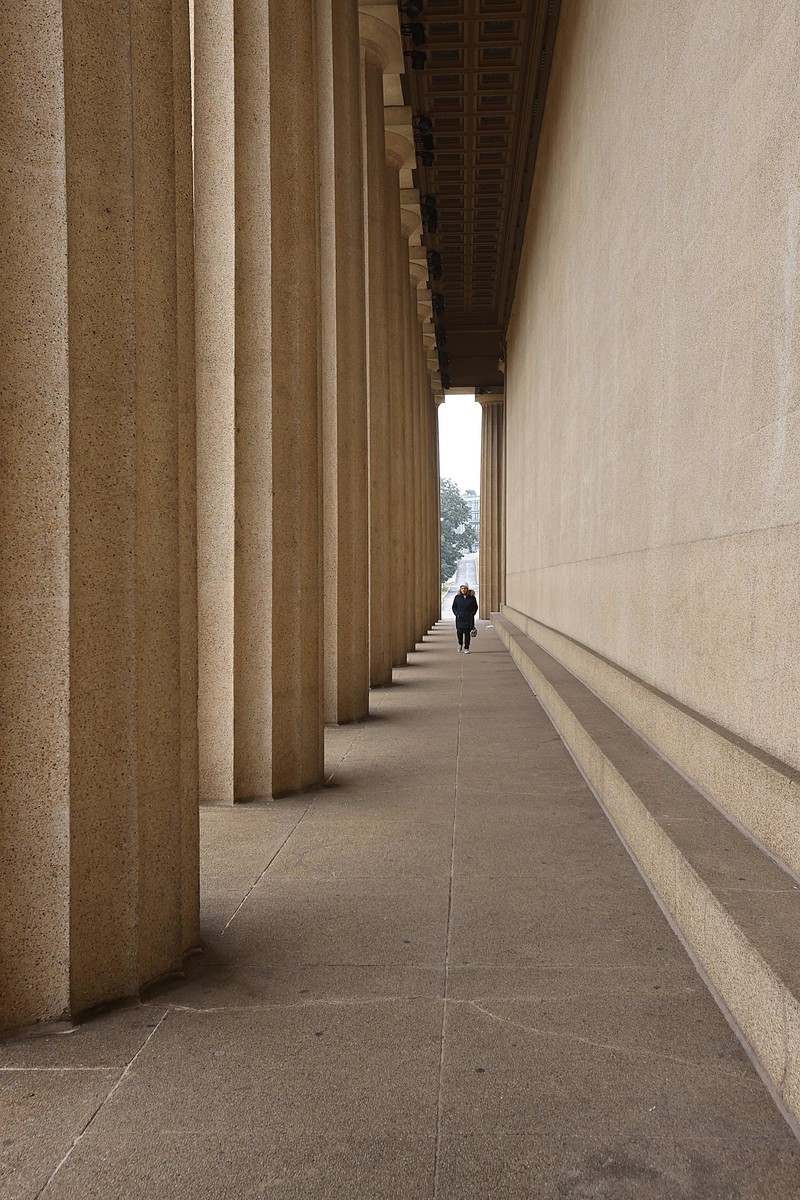
It was interesting to see that the columns were not perfectly aligned with each other either in construction or warping over time as there was a slight gap between the first and second column.
[Dec. 25th, 2025 07:39:56 AM]
Photoshop
-Image
-Analysis
-Ruler Tool
-Align the existing Axis with the line of the Ruler Tool
-Image Rotation
-Arbitrary
-Adjust angle clockwise or counterclockwise to any angle
you desire. Works really well if you want a specific angle
other than 90 or 180 degrees also.
Statistics
Place: 10 out of 21 Avg (all users): 5.8636 Avg (participants): 5.4615 Avg (non-participants): 6.4444 Views since voting: 170 Views during voting: 41 Votes: 22 Comments: 1 Favorites: 0









 Add photograph to your favorites
 Add photographer to your favorites


 Photographer found comment helpful.