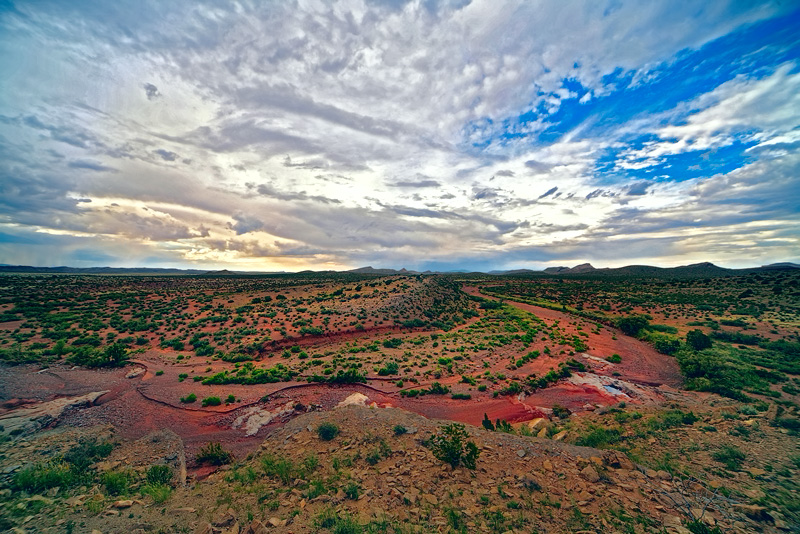
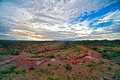
A little bit of shadow highlight to start off with.
Then some Topaz Restyle to inspire me, and get some awesome colors going on.
Topaz adjust and denoise, after separating image with Topaz Remask.
Blend in original sky coloration to kill off yellow color somewhat.
New layer, increased lighting using levels and brightness/contrast, giving it a more sunlit look. Set this layer as a hide all layer mask, then revealed the areas which I wanted to give the appearance of slightly more light to, emulating a patchy-light condition.
Then another pass of Topaz Restyle, to really give it some life.
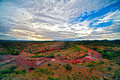
Finally, used my previous masking to separate the sky and ground, and brought the secondary Restyle effect down on the land area.
Very nice! What a wonderful array of colors. It's like a landscape rainbow. I can see that I am going to wind up buying the rest of the Topaz suite to play with before all is said and done. :)






 Add photograph to your favorites
 Add photographer to your favorites


 Photographer found comment helpful.

